> For the complete documentation index, see [llms.txt](https://guide.maps.gov.sg/llms.txt). Markdown versions of documentation pages are available by appending `.md` to page URLs; this page is available as [Markdown](https://guide.maps.gov.sg/creating-your-map/getting-started.md).
# Getting started
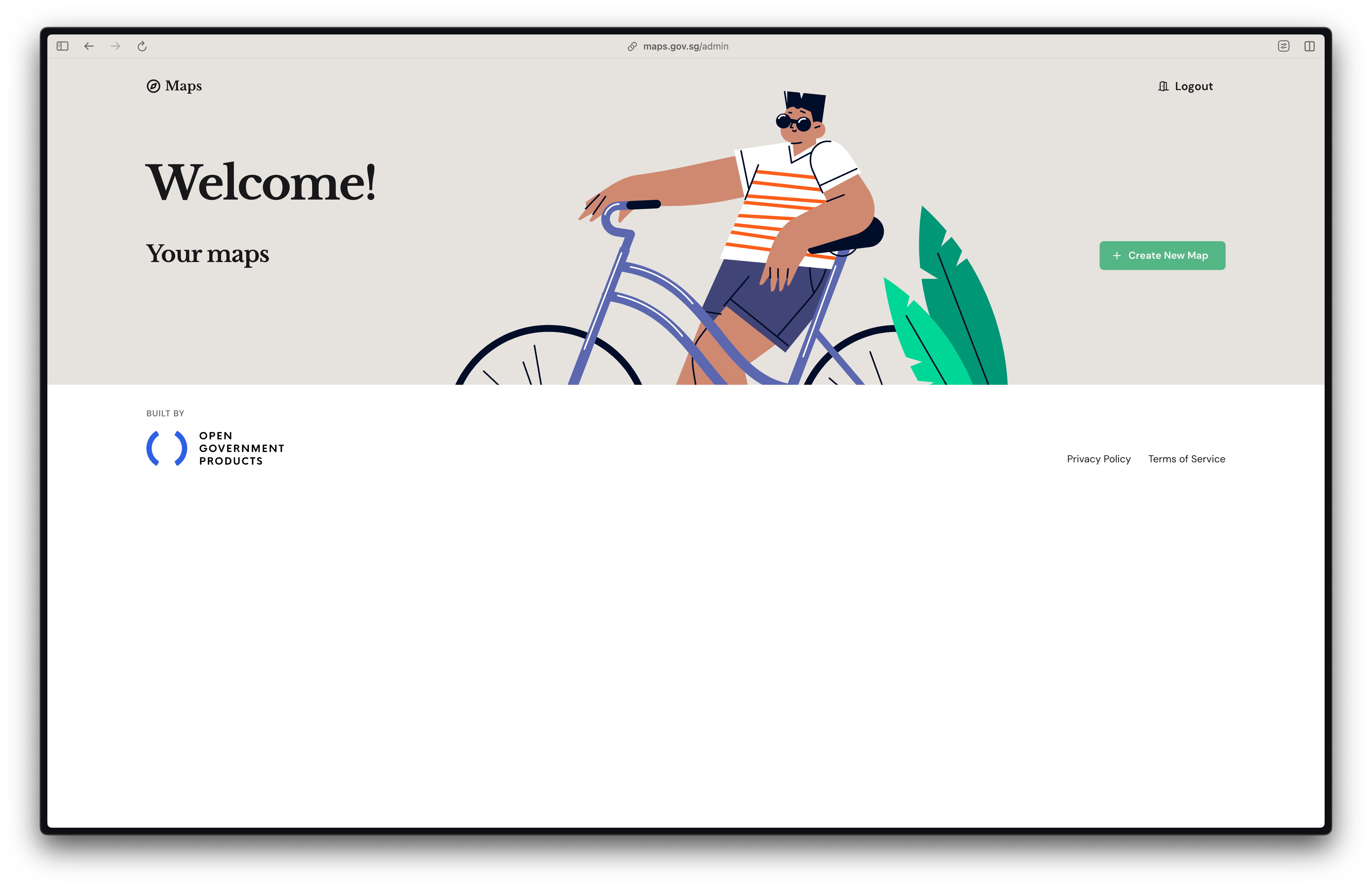
**Step 1:** Click **Create New Map** to start creating your map.
If no maps have been previously created, this page will appear empty.
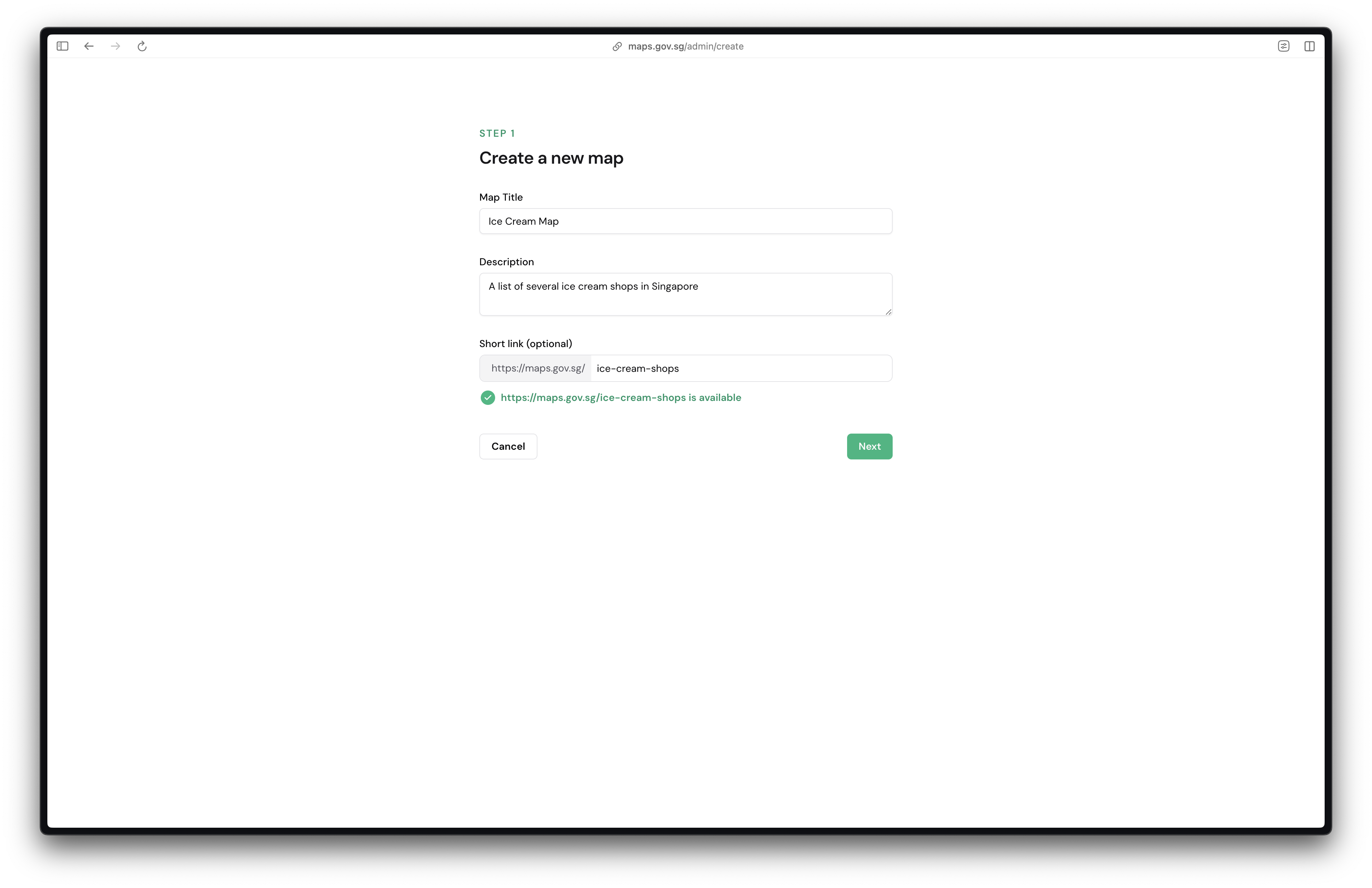
**Step 2:** Enter a **map title, description** and **short link**.
**Map title**: This is what citizens will see in the top left of your map. Short titles are easier to read. Try keeping it under 8 words.
**Description:** Write a summary to let citizens know what they can find on this map. We recommend keeping it concise to under 15 words.
**Short link:** By default, a randomly generated link will be used if you do not include a short link. Adding a short link would make it easier for citizens to navigate to your map (e.g. maps.gov.sg/**your-map**). Use dashes in between words for better readability.
{% hint style="info" %}
You may update your map titles, descriptions and short links anytime after your map is created.
{% endhint %}
**Step 3:** Click on **Next**.
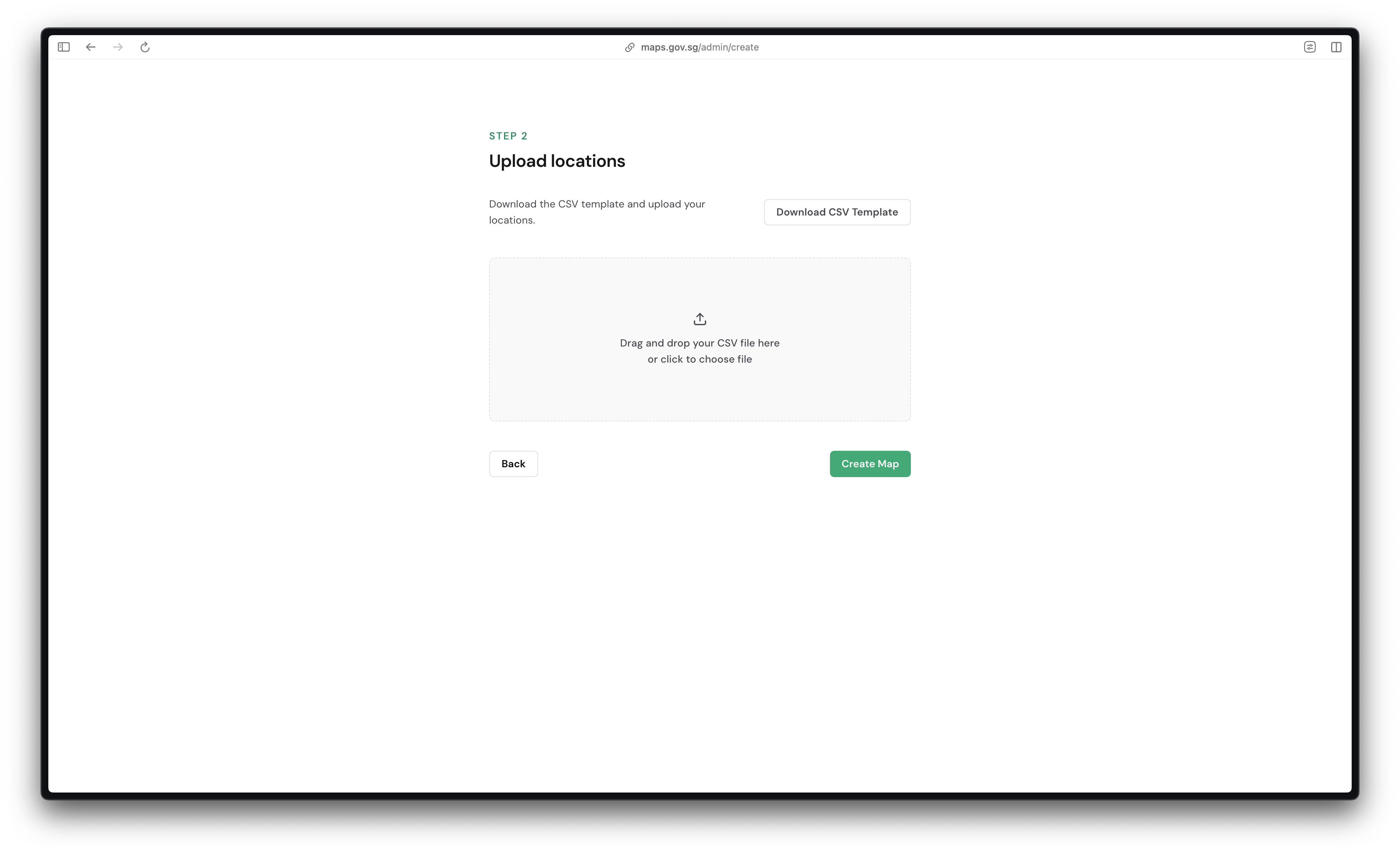
**Step 4:** Click on the **Download CSV Template** provided and fill in your locations accordingly.
For more details on how to fill up your CSV file to include advanced features (e.g. filters), refer to the section on [Setting up your CSV file](/creating-your-map/setting-up-your-csv-file.md).
**Step 5:** Upload the CSV file and click **Create map**.
{% hint style="info" %}
Maps takes a short while to process your locations. If you see **Map is still processing...**, you can navigate away from the page — an email will be sent to you when the processing is complete.
{% endhint %}
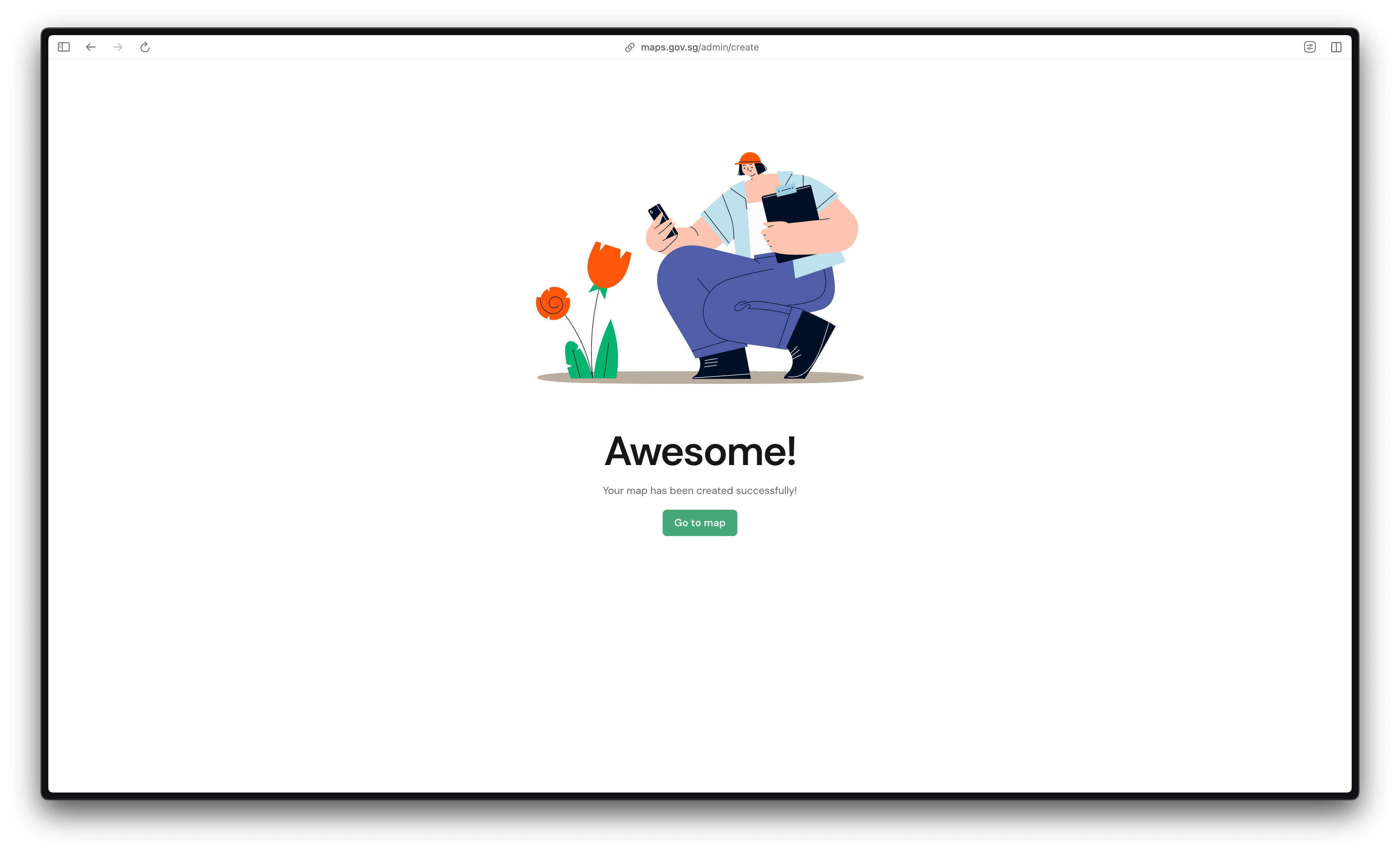
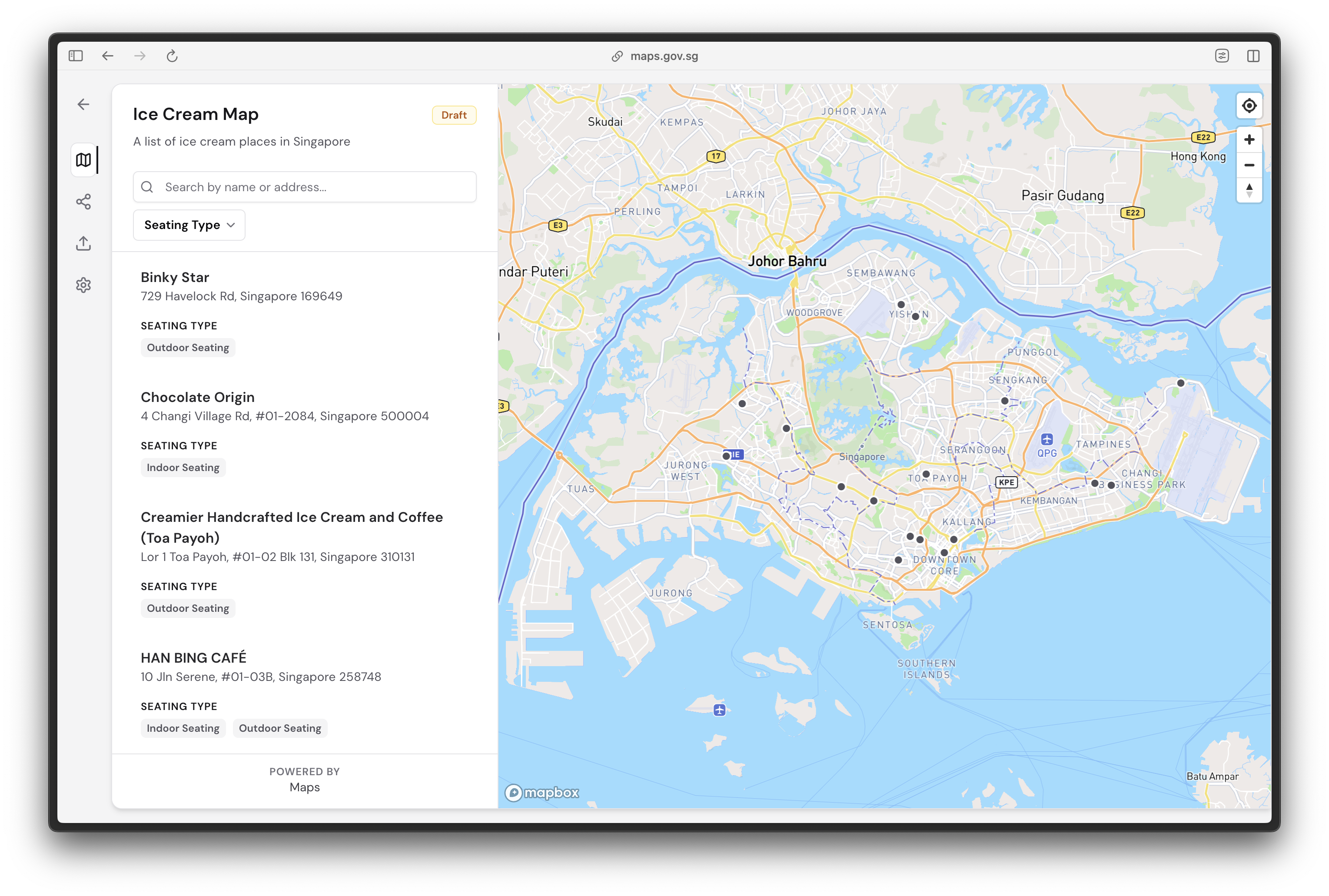
**Step 6:** Congrats! Your map has now been created and is in the draft stage. You may now preview your map.
The map is currently not publicly accessible. Test features such as search and filtering to ensure that they are working as intended before publishing your map publicly.
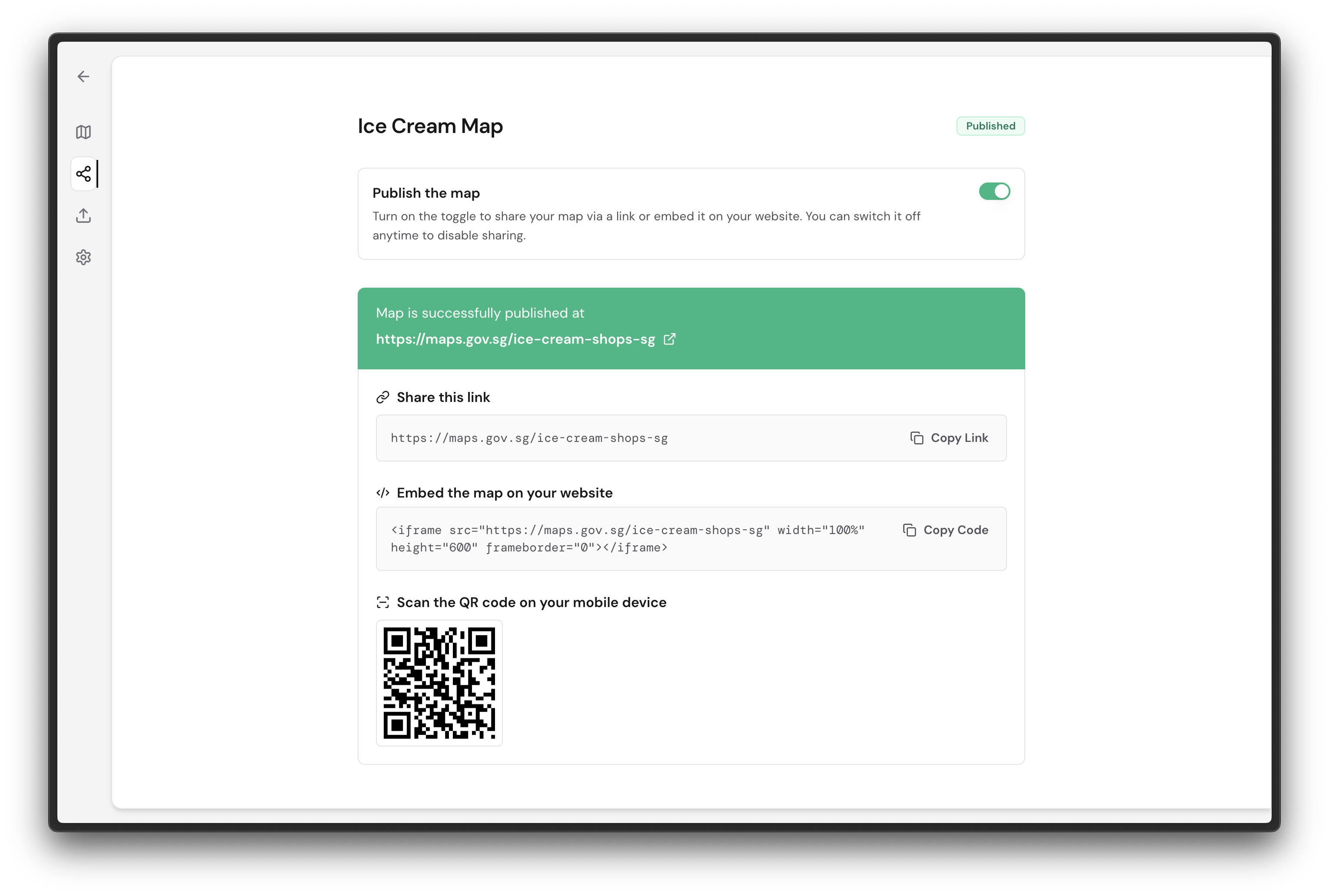
**Step 7:** To enable your map for public viewing, click on the **Publish map** icon found on the navigation bar on the left.
**Step 8: Turn on the toggle** to publish your map. This enables sharing your map publicly via a link or embedding it into your existing website.
You may turn this toggle off anytime to unpublish your map.
#### Congratulations, you have just published your first map on maps.gov.sg!